Quake Terminal
The lightning-fast terminal emulator accessible directly from your MacBook notch.
What is Quake Terminal?
Your terminal, optimized for speed and accessibility
Quake Terminal is the flagship feature of QuakeNotch - a powerful, full-featured terminal emulator that appears instantly from your MacBook notch with a single keyboard shortcut.
Unlike switching between applications, Quake Terminal gives you instant access to your shell without leaving your current workflow. Slide it down, run a command, and slide it back up.
- Instant Access: Don't lose your focus! Quake Terminal is always just a keystroke away, no need to switch windows or apps
- GPU-rendered Performance: Smooth, hardware-accelerated terminal rendering, effects and animations for efficiency.
- Full Shell: Complete POSIX shell with all your tools
- Smooth Animation: Beautiful slide-down from notch
- Always Available: Works from any application
Activating the Terminal

Open Quake Terminal with a single keystroke
Default Keyboard Shortcut
Press Control + Escape
anytime, from any application
Basic Navigation
Common terminal commands and navigation
Working with the Terminal
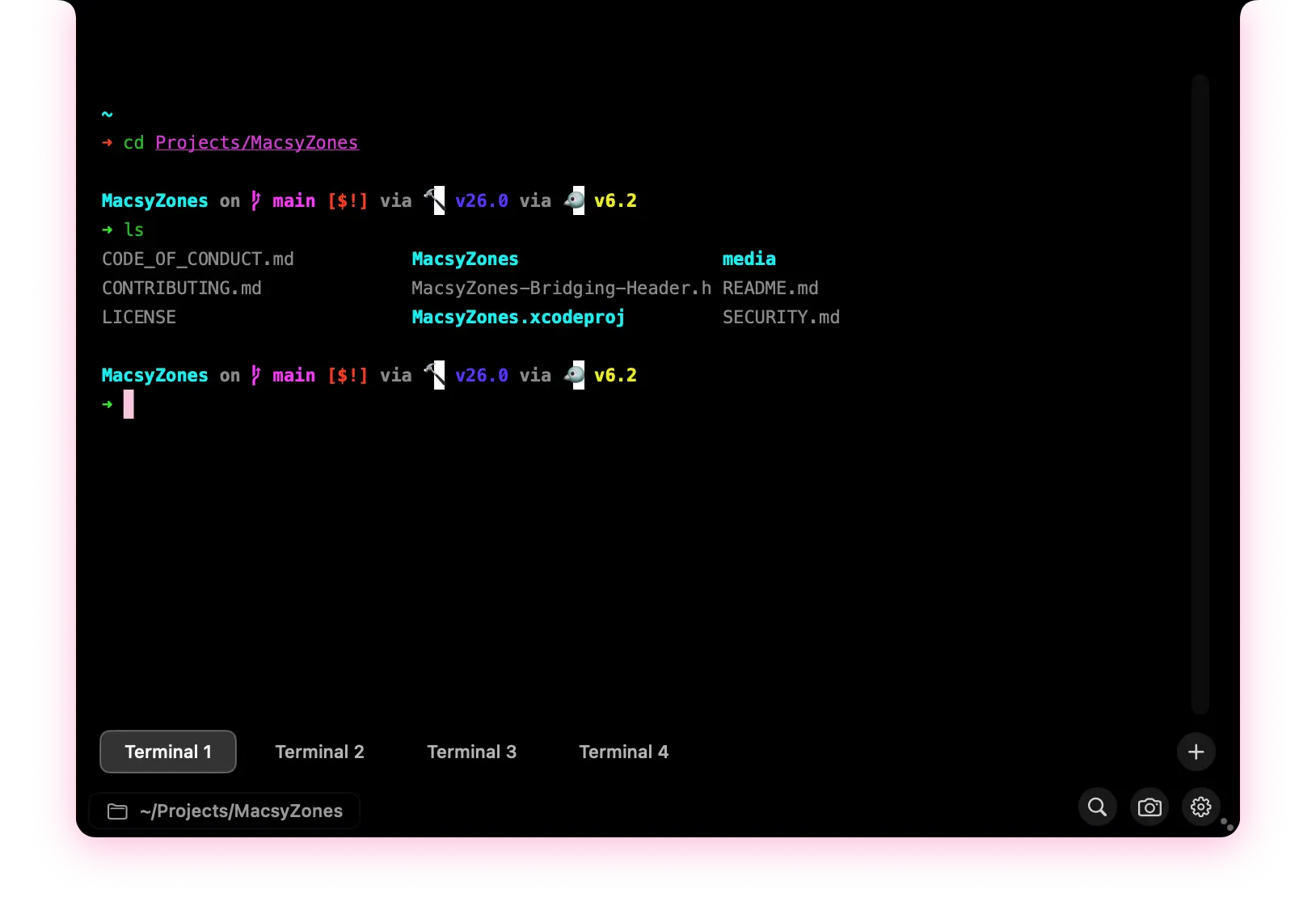
Quake Terminal behaves just like a standard macOS terminal, supporting all your favorite shell commands and tools.
Typing Commands
Just type as normal - all keyboard input goes to the terminal
Using the Mouse
Click to position cursor, scroll to navigate through output
Copy & Paste
Use ⌘ + C / ⌘ + V as normal
Clear Screen
Run clear or Ctrl + L
Multi-Tab Support
Manage multiple terminal sessions
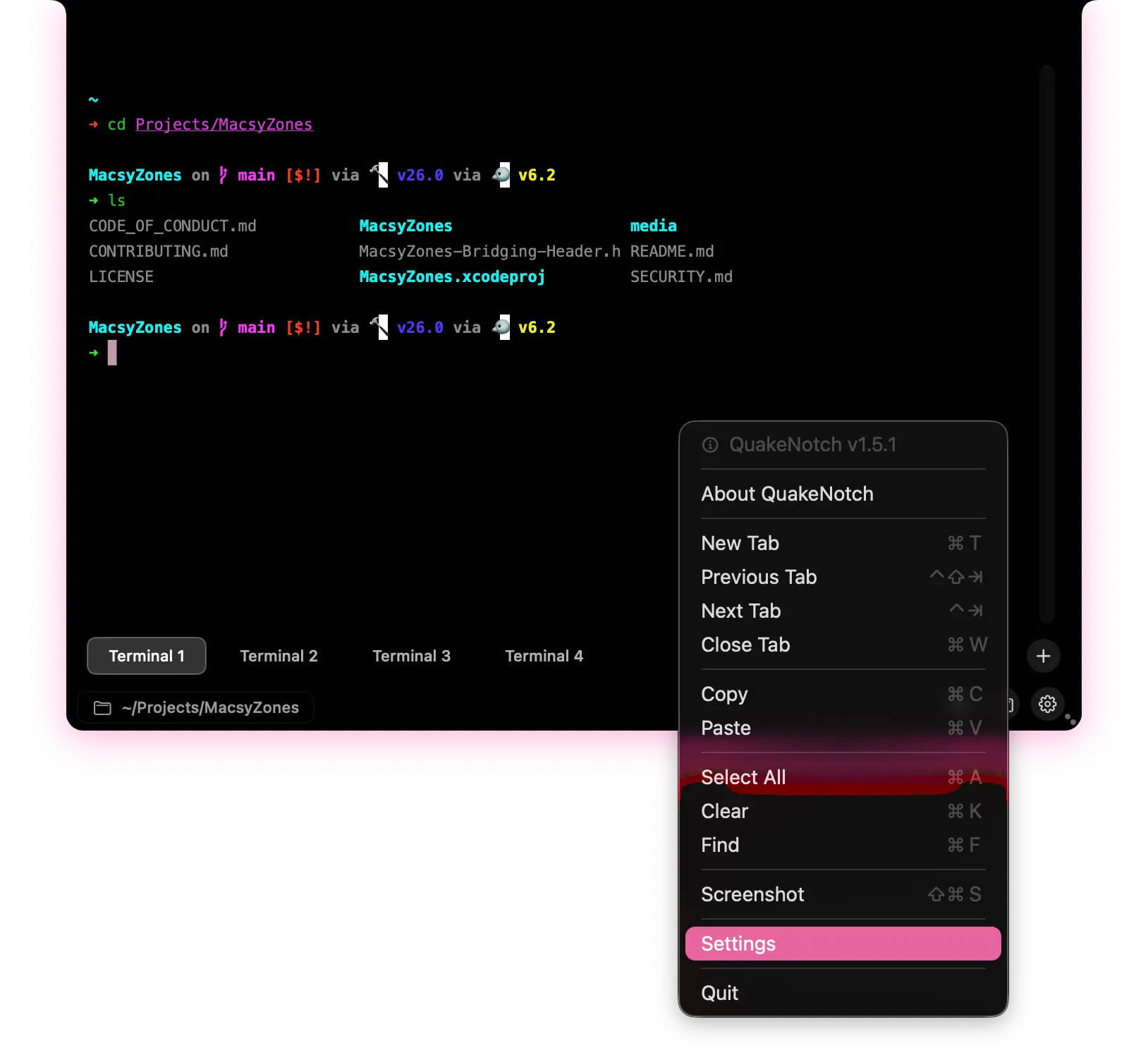
Open multiple terminal tabs to work with several commands or directories simultaneously.
Detach Terminals into Windows
Work with terminal sessions in separate windows
Detach your terminal sessions into separate windows when you need more room to work, then attach them back to the QuakeNotch terminal seamlessly when you're done.
- Flexible Workspace: Move terminal sessions into their own windows alongside other apps.
- Persistent Sessions: Continue working in the same terminal session after detaching it.
- Seamless Reattachment: Bring a detached session back into the QuakeNotch terminal whenever you need it.
- Window Icons: Pick fancy or simple icons for your detached terminal windows.
Split Terminal Panes
Run multiple terminals side by side in one tab
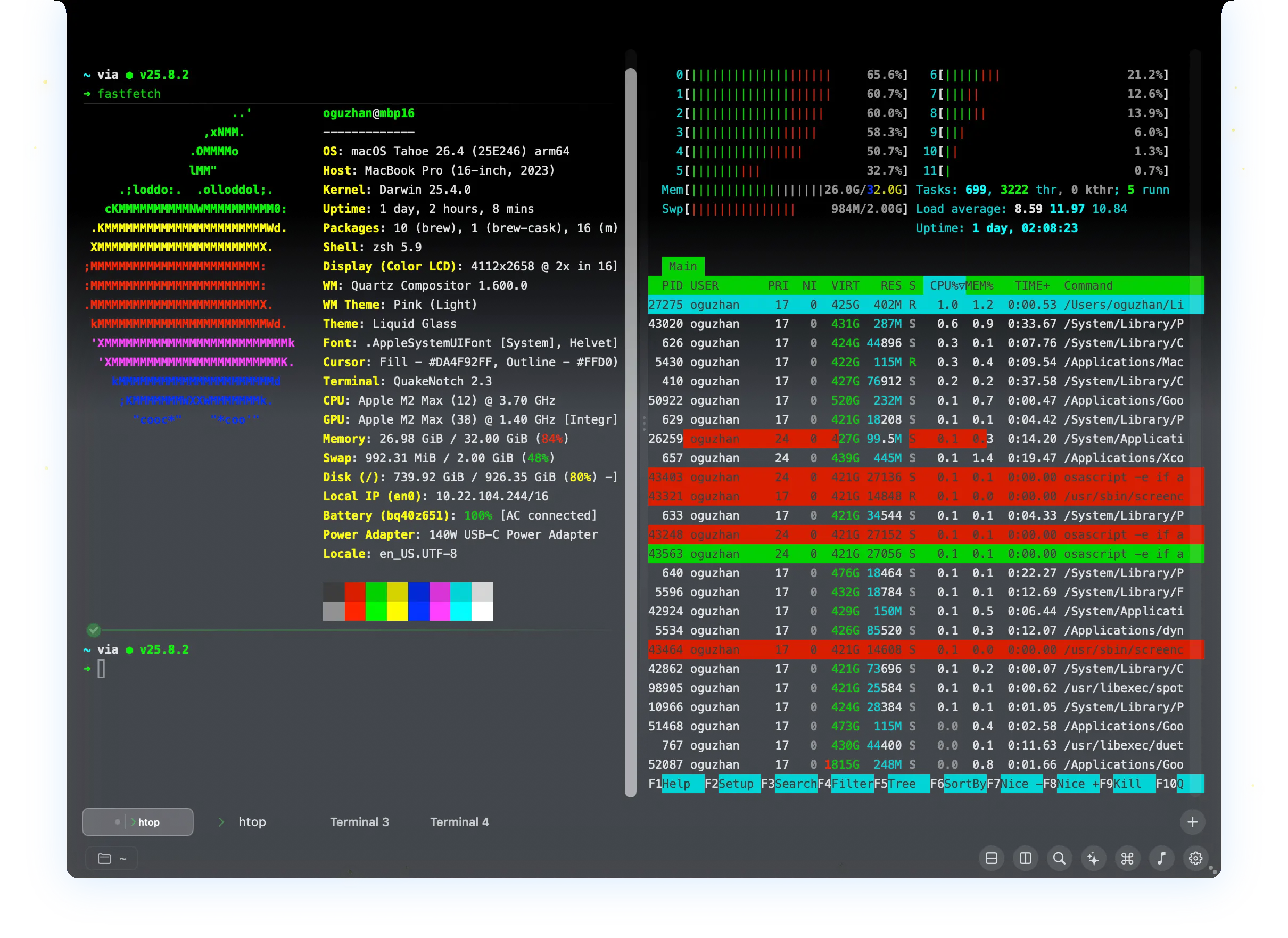
Split your terminal into multiple panes to view and work with several processes at once without switching tabs.
Customization
Personalize your terminal appearance
Customize your terminal to match your workflow and aesthetic preferences.
Find all these options in Preferences (⌘,) under "Appearance" and "Terminal".
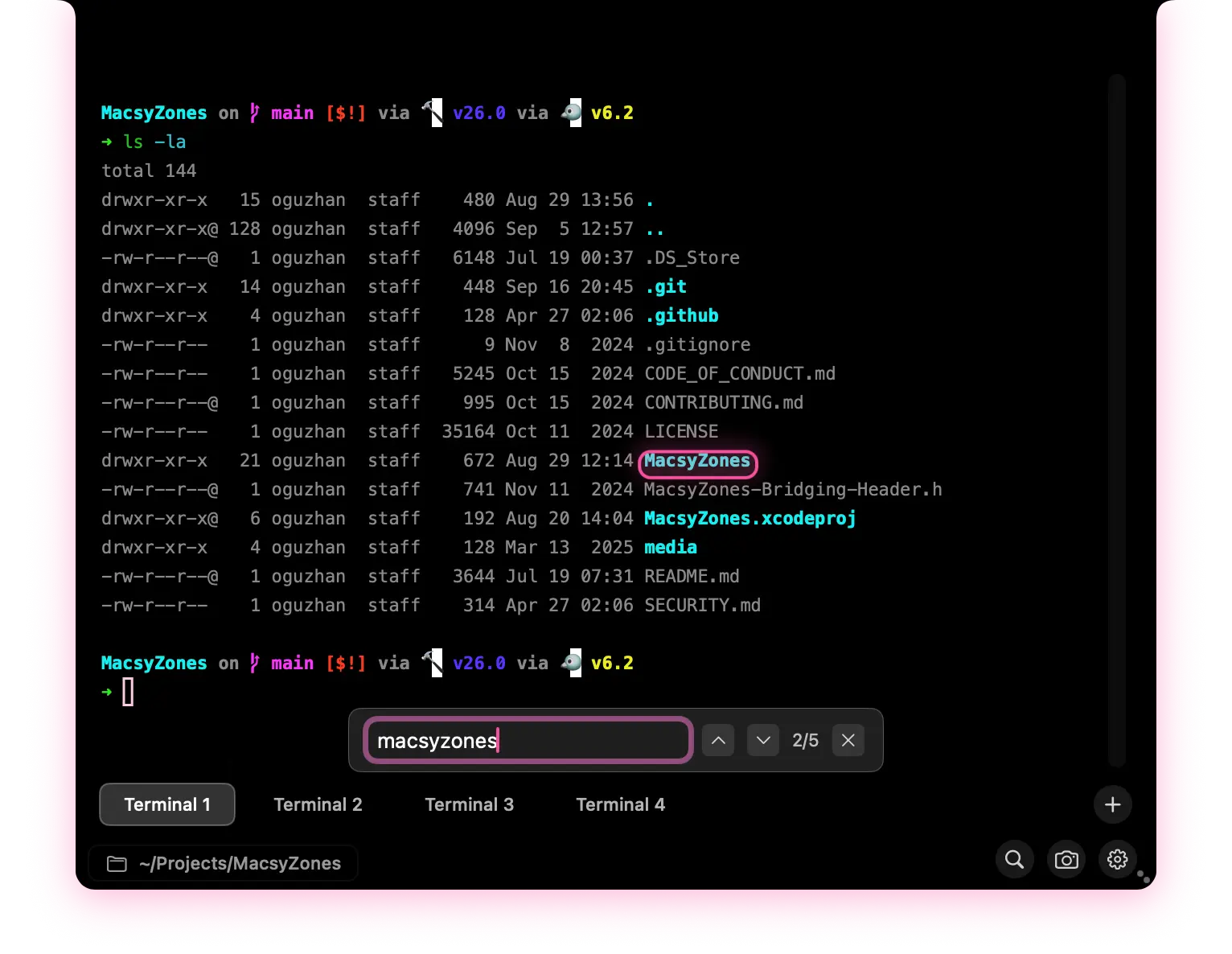
QuakeNotch's Fancy Things
Enjoy smooth, hardware-accelerated animations for a polished experience
QuakeNotch is very fancy and has so many cute animations and effects. Quake Terminal features smooth, hardware-accelerated animations for a polished user experience.
Customizable Animations
Prefer a snappier experience? You can adjust or disable animations in Preferences to suit your style.
Performance Optimized
All animations are optimized for performance, ensuring smooth operation even on older Mac models.
Visual Feedback
Enjoy satisfying visual feedback with every command you run, making your terminal experience more engaging.

Pro Tips & Tricks
Master the terminal with these tips
bc for quick math or open Python for more complex operations.